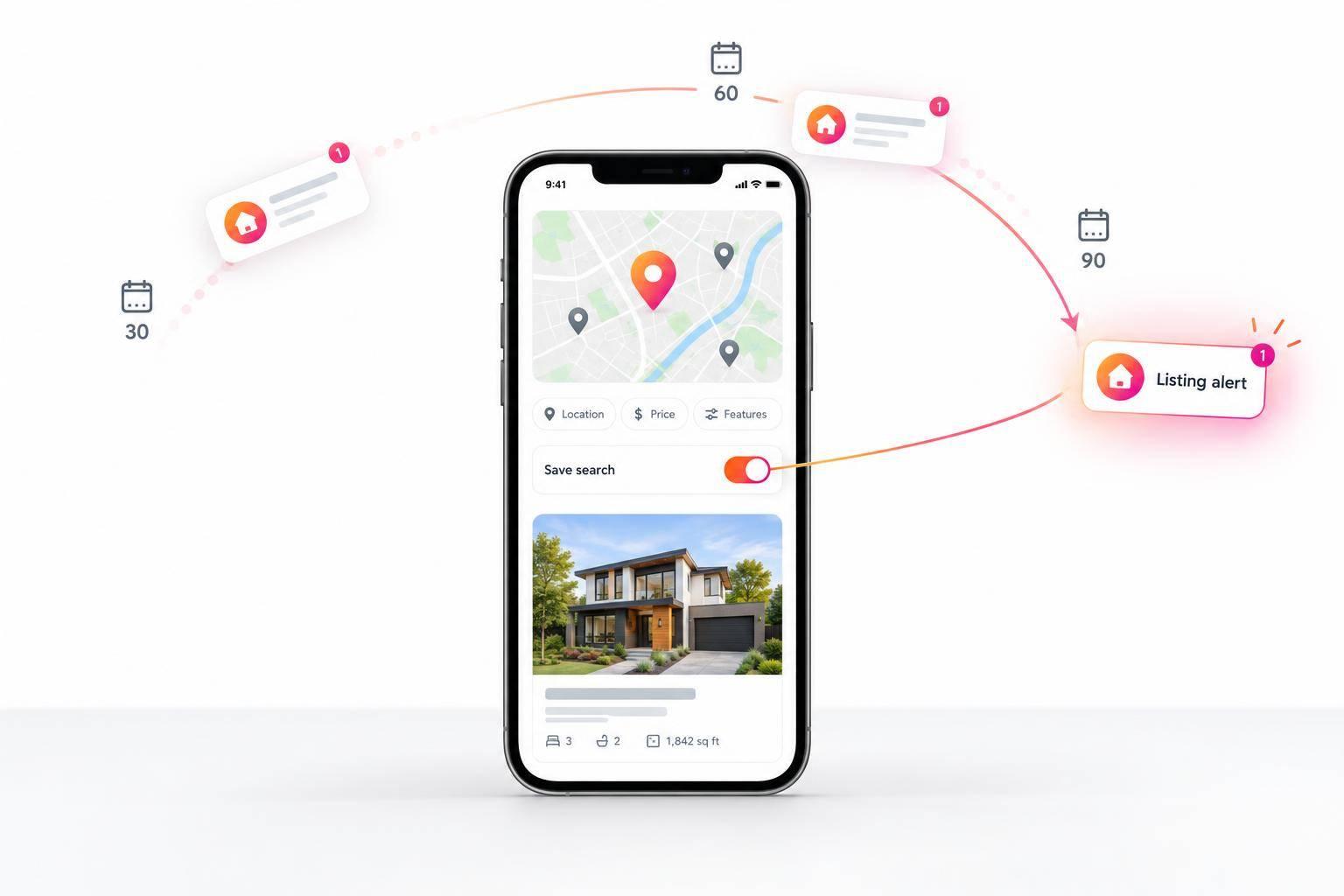
Saved Searches and Listing Alerts: The IDX Features That Bring Buyers Back
I focus on one goal with IDX saved searches and listing alerts: help buyers pick up where they left off. Start with 3 filters - location, price, and home features - then send buyers to the listing or search results that match each alert.
With EasyAgentIDX, my checklist is simple:
- Save and update buyer preferences as their needs change.
- Match alerts to the buyer’s timing, using only the events and schedules your MLS feed and setup support.
- Make email preferences easy to change, and test alert links on desktop and mobile.
- Review activity over 30-day and 90-day periods to see whether buyers return and continue searching.
The aim is <u>less repeat work</u>, not more email - or a promise of leads.
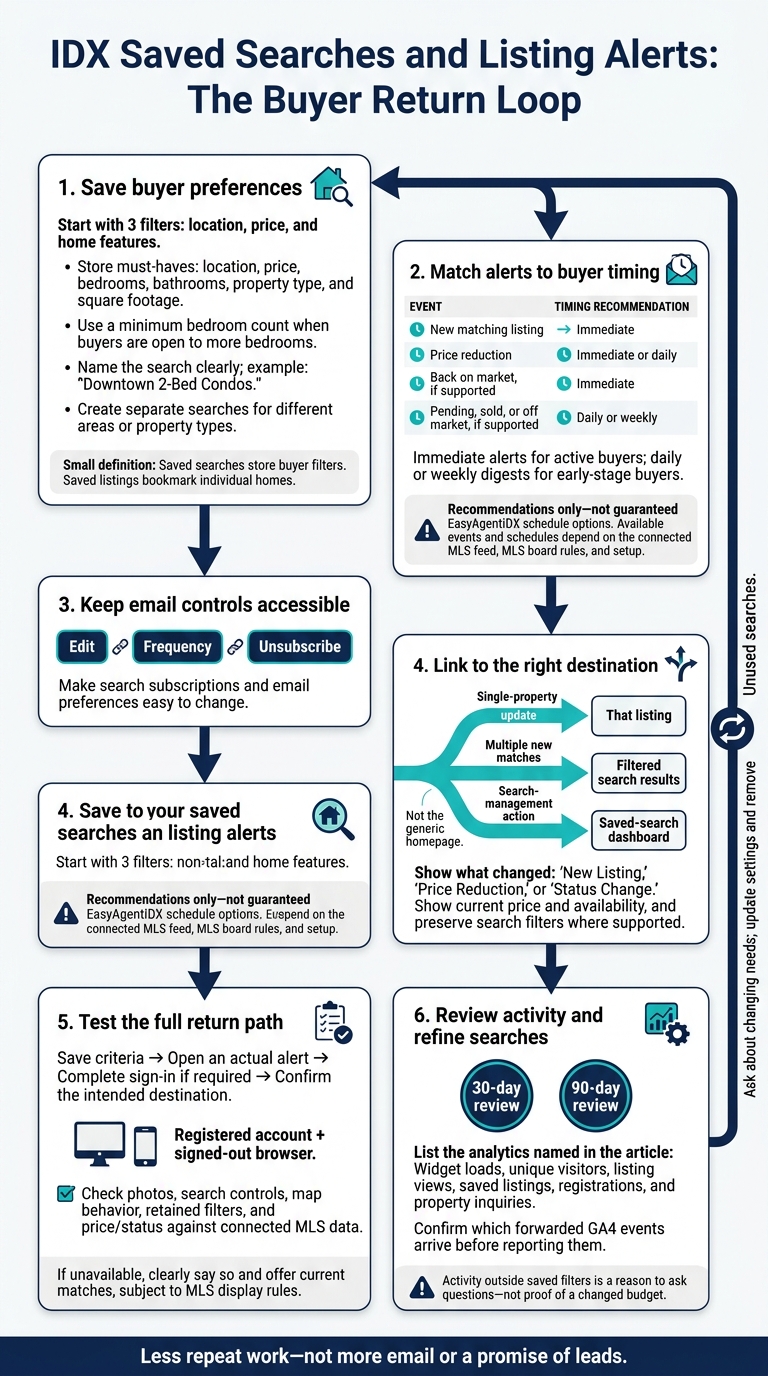
IDX Saved Searches and Listing Alerts: The Buyer Return Loop
Set Up Saved Searches Around Buyer Needs
Saved searches store buyer filters. Saved listings bookmark individual homes.
Save Location, Price, and Property Filters
Save only the buyer’s must-haves: location, price, bedrooms, bathrooms, property type, and square footage. If they’re open to more bedrooms, set a minimum bedroom count rather than an exact number.
Name and Edit Saved Searches
Give each search a clear name, and update its filters as the buyer’s priorities change.
Example search name: “Downtown 2-Bed Condos.”
Create separate searches for buyers comparing different areas or property types.
After saving the search, choose how often buyers want to receive new matches.
Choose Listing Updates and Alert Frequency
Once a buyer saves a search, alerts keep them informed as matching listings change.
Send Alerts for Relevant Listing Changes
New listings and price reductions give buyers more homes to review.
Send status alerts for supported changes, such as back on market, pending, sold, and off market. Which alerts are available depends on the connected MLS feed and MLS board rules. Check your MLS board’s sold-data rules and update timing before promising these alerts. Pending and sold updates can help buyers follow a property’s outcome after it’s no longer available.
Match Alert Frequency to Buyer Timing
Match the alert pace to the buyer’s search: immediate alerts for active buyers, and daily or weekly digests for those in the early stages. Stick to the schedules your setup supports.
| Alert event | Buyer value | Best timing |
|---|---|---|
| New matching listing | Gives active buyers another home to consider | Immediate |
| Price reduction | Flags a lower price worth reviewing | Immediate or daily |
| Back on market, if supported | Highlights another chance to buy | Immediate |
| Pending, sold, or off market, if supported | Helps buyers track property outcomes | Daily or weekly |
These are recommendations, not guaranteed EasyAgentIDX schedule options.
Keep those settings easy to change as buyers narrow their search.
Make Alert Settings Easy to Change
EasyAgentIDX alert emails include tools to manage search subscriptions and email preferences directly.
Include edit, frequency, and unsubscribe links in every alert email so buyers can adjust their search without starting over.
Link Alerts to Relevant Listings and Search Results
Send buyers to the page that matches the alert. Link a single-property update to that listing, multiple new matches to filtered search results, and search-management actions to the saved-search dashboard. Sending buyers to a generic homepage makes them repeat work before they can see what brought them back.
Show What Changed on the Listing
Keep the path simple: open the alert, review the change, and continue browsing. Use “New Listing,” “Price Reduction,” or “Status Change” labels, along with the current price, availability, and listing history. The page should show the latest MLS data, including price changes, days on market, and status updates.
Help Buyers Compare Homes and Continue Searching
Give buyers photo galleries, property details, similar listings, and map results so they can compare homes. In your EasyAgentIDX setup, test which navigation paths keep the buyer’s neighborhood, price, bedroom, and property-type filters in place. Make sure map and list results stay in sync as buyers pan, zoom, or change filters.
Test Alert Links on Desktop and Mobile
Test the entire path, both with a registered account and in a signed-out browser. Save search criteria, open an actual alert, complete any required sign-in, and check that you land on the intended property or results - not the homepage. On desktop and mobile, check photos, search controls, map behavior, and whether filters stay in place.
Compare the destination page’s price and status with the connected MLS data. If the home is no longer available, say so clearly and offer a path to current matches based on the saved criteria, subject to MLS display rules.
Conclusion: Keep Searches Current and Track Return Visits
When alerts bring buyers back to the right results, keep those searches up to date. The goal is a more useful search - not a promise of leads.
Update Searches as Buyer Needs Change
Ask whether buyers’ budget, location, home type, bedroom count, or preferred alert frequency has changed. Update their settings and remove searches they no longer use. Views or clicks outside saved filters are a reason to ask questions, not proof that a buyer’s budget has changed.
Measure Buyer Activity After Alerts
With searches up to date, track how buyers return and engage. Repeat visits, deeper searches, and renewed engagement signal intent more strongly than a single form submission.
Use EasyAgentIDX analytics to review widget loads, unique visitors, listing views, saved listings, registrations, and property inquiries over 30-day and 90-day periods. If you forward GA4 events, check which events arrive before including them in reports.
Confirm access, test alert links, and review engagement regularly. Use that activity to update saved searches and make return visits more useful.
FAQs
Why am I not receiving listing alerts?
Your saved search may have alerts turned off, or you may not be registered. Saved searches and visitor registration are available only on Pro and Brokerage plans.
Use the subscription and email preference tools in your alert emails to check your email address and opt-in settings. If you need to register before creating alerts, submit your email address or complete registration before saving your search.
How can I reduce duplicate alerts from overlapping searches?
Use the options in your alert emails to manage your search subscriptions and email preferences. You can refine your search criteria or change how often you receive updates to reduce duplicate alerts and keep notifications relevant to your current needs.
How can I tell if alerts bring buyers back?
Use the EasyAgentIDX analytics dashboard to track saved search activity and alert engagement in one place. Review 30-day or 90-day periods to spot trends and see which interactions bring buyers back to your website.
For more detail, use Google Analytics 4 (GA4) custom events to track actions like enabling alerts (idx_alerts_enable). You can then see how those actions relate to repeat visits and overall lead behavior.