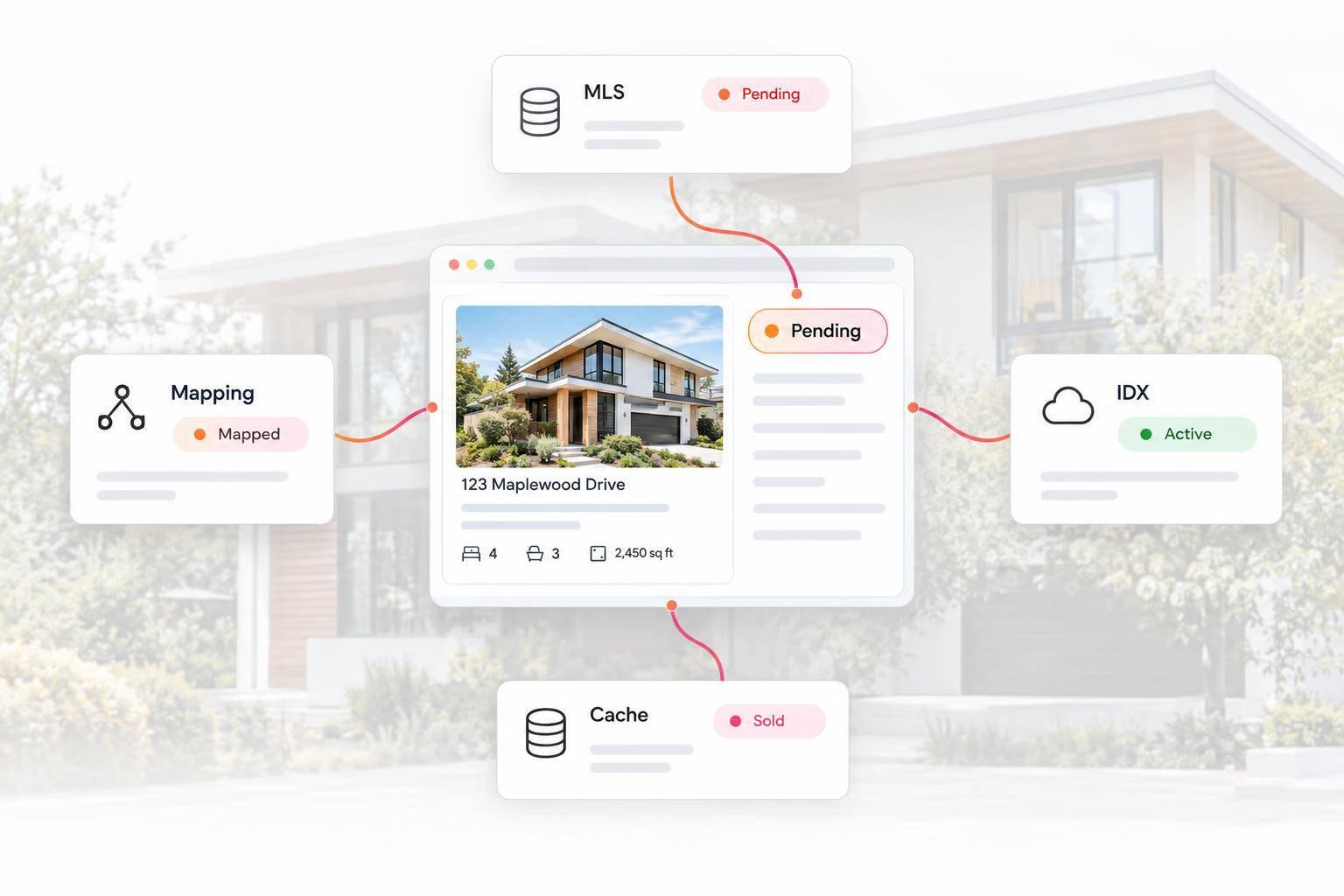
If an MLS listing shows the wrong status on your IDX website, first compare the same MLS number and board in the source MLS, the incoming IDX data, and the public page. A mismatch can come from an outdated source record, feed delivery, a cached display, or a status label mapped incorrectly. The first place those values disagree tells you where to investigate.
By the EasyAgentIDX team
For agents, brokers, and agencies managing a real estate website, an incorrect Active or Pending badge creates a practical problem: visitors cannot tell which properties are available. Before changing a page or replacing an integration, use the checks below to distinguish a data problem from a display problem.
Start with the listing identity, not its address
Match the MLS number and the originating board. An address can have an older listing, a relisted property, or records from different MLSs. Comparing those records can make a correct status look wrong.
Then compare the exact source status with the badge on your search result card and the status on the listing detail page. Note when the MLS status changed and when you checked the website. A page's load time is not proof that its underlying listing data just refreshed.
Find the first point where the status differs
| What you find | What to check next | Who owns the correction |
|---|---|---|
| The source MLS itself still has the old status. | Confirm the status update was saved to the correct listing under that board's workflow. | The authorized listing agent, brokerage, or MLS administrator. |
| The MLS is current, but the incoming IDX record is older. | Check feed delivery, record eligibility, and the provider's documented update cadence. | The IDX provider, working with the MLS or data distributor as needed. |
| The incoming record is current, but the website is older. | Compare browser, application, page, and CDN caches used by the affected interface. | The website developer or the provider responsible for that interface. |
| The incoming record is current, but the public label means something different. | Compare the original status, normalized value, and display-label mapping. | The integration or website developer responsible for the mapping. |
| The listing disappears after its status changes. | Check search filters and whether that status is eligible for this site's approved IDX display. | The website operator and IDX provider; the MLS controls feed permissions. |
These are investigation paths, not diagnoses by themselves. For example, disagreement between a search card and a detail page makes separate caches or queries worth checking, but does not establish that caching caused the problem.
Check status meaning and display eligibility separately
A local MLS label and a website's public label may use different vocabularies. The RESO StandardStatus definitions distinguish Active, Active Under Contract, Pending, and Closed. In that standard, an accepted offer can coexist with an on-market listing under Active Under Contract; Pending describes an accepted offer with the listing off market. Your board's local definitions and approved mapping still matter.
Illustrative example: a brokerage confirms that a listing is Active Under Contract in its MLS. The incoming record contains that value, but a custom card labels every value containing the word Active as Active. That card can imply availability the source does not support. Trace the mapping before treating the mismatch as a slow feed. This is a hypothetical example, not a reported customer incident.
Eligibility is a separate question. A record visible to MLS members is not automatically available for every public IDX use. NAR's IDX overview describes authorized, limited display among participants. A missing listing may reflect display permissions, the site's approved feed, or a filter excluding its new status rather than a failed status update.
Separate feed timing from website caching
If the MLS record is correct, ask the responsible provider or developer to compare its current incoming record with the public display. That comparison is more useful than repeatedly refreshing the same page.
- One listing is wrong: verify its identity, eligibility, and individual record before assuming the entire feed is delayed.
- Several recently changed listings are wrong: investigate a shared delivery or refresh issue.
- Only one browser is wrong: test a private window or another device. This helps isolate a local display issue without proving its cause.
- Cards and detail pages disagree: compare their requests, filters, and cache lifetimes. A custom card may use a saved response while the detail page uses a newer one.
There is no universal waiting period that proves a listing is broken. Use the relevant board requirements and the provider's documented cadence. A model industry rule is not a promise about the refresh speed of a particular website, and a browser reload cannot make an upstream MLS deliver a new record.
For custom EasyAgentIDX builds, the Listings API documentation identifies the normalized listing identity and status fields. The MLS compliance guide explains how to retrieve board-specific cache limits and render the supplied compliance information. Compare the current response with your interface; avoid hard-coding a generic cache duration across boards.
Correct the responsible layer and verify the result
If the source record is wrong, the correction belongs in the authorized MLS workflow. Editing a website badge does not correct that record. If the source is right, fix the delivery, cache, filter, or mapping issue that your comparison identifies.
A mismatch alone does not justify a blanket instruction to hide every affected page. When display rights end or a record is no longer permitted for the approved feed, follow that board's removal requirements. For other mismatches, establish the cause and applicable display rule before choosing a remedy.
After the correction, check both the search result and detail page for the same listing. Confirm that their statuses agree with the permitted source data, that the expected search filters behave correctly, and that required attribution and disclaimers remain visible. For custom builds, also check any separate map cards or saved listing displays that use their own data requests.
Optional MLS-specific example: OneKey Matrix
The existing OneKey Matrix video below concerns editing the source listing status. It is relevant to authorized users of that MLS system. It does not describe an EasyAgentIDX control or a universal workflow for other boards.
Common questions about incorrect IDX listing statuses
Why does my IDX website still show Active after a listing goes Pending?
First confirm that you are comparing the same MLS number and board. If the source MLS is already Pending, compare the incoming IDX record with the public page to distinguish delivery timing, stale display data, and an incorrect label mapping.
Should I change the status manually in my website builder?
A manual label change can conceal the mismatch while leaving the underlying listing data wrong. Correct the source record or the integration responsible for the discrepancy, then verify the search and detail views together.
Why did the listing disappear when its status changed?
The new status may fall outside the search filter or the feed's approved display permissions. Check both before assuming the listing was deleted or the integration failed.
What information helps an IDX provider or developer diagnose the problem?
Provide the MLS number and board, the affected page URL, the source status, the displayed status, and the time of your comparison. That gives the responsible team a specific record and mismatch to trace without sharing contracts, client information, credentials, or a full MLS export.
Choose an IDX setup you can verify
A useful troubleshooting process connects the MLS source, incoming data, and website display. If you are choosing an integration for an agent, brokerage, or agency site, compare its MLS coverage, display options, and developer documentation. Explore EasyAgentIDX widgets for an embedded interface, or the Developer API for a custom experience.